
Overview
A "Global Footer Pro" module is a reusable footer component designed to be implemented across an entire website or digital platform. It ensures consistency in branding, contact details, navigation, Subscribe Newsletter form, legal information and social media across all pages.
Features Included
Here are key features and effects that you might find in a "Global Footer Pro" module:
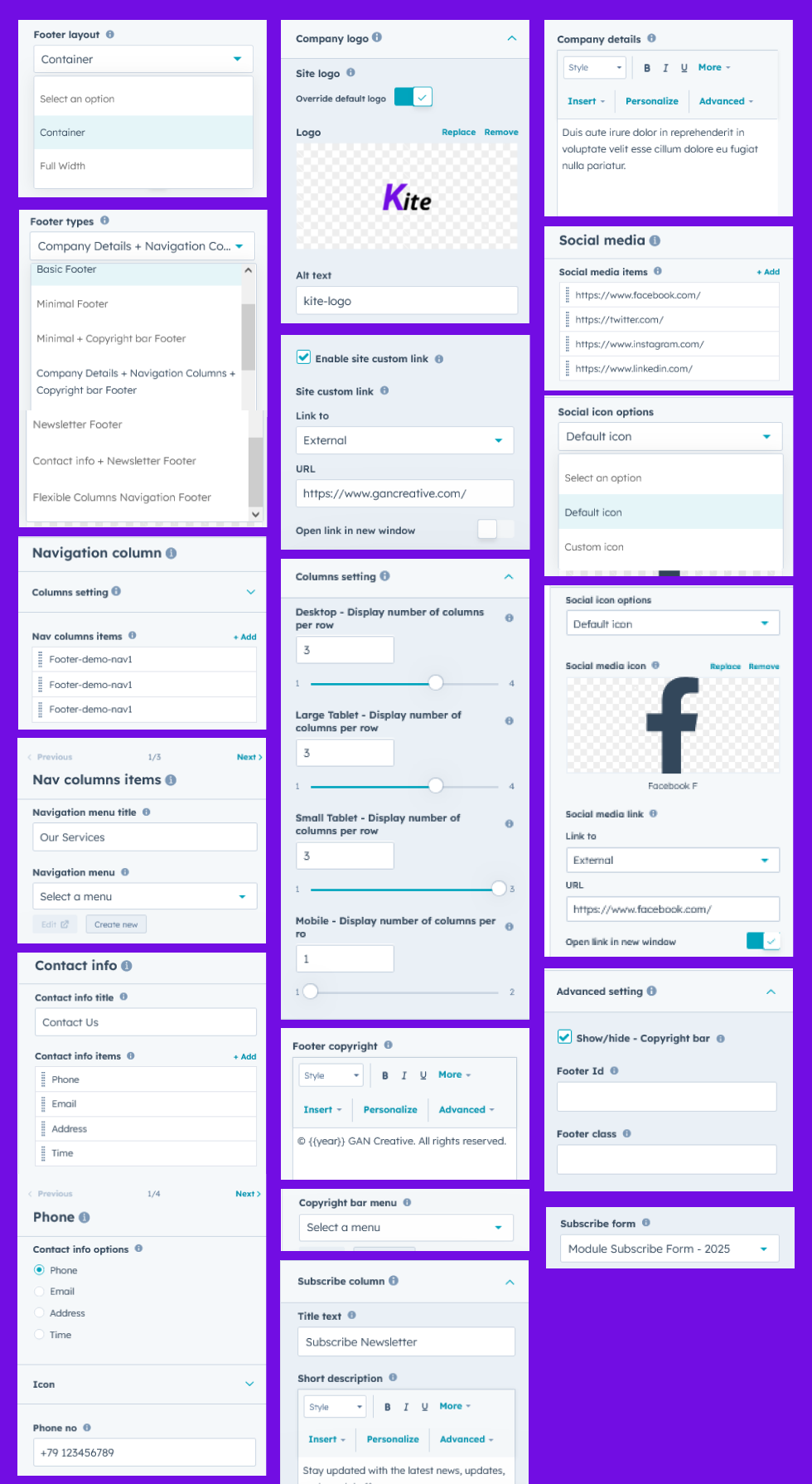
- Footer Types: 7+ Footer Types are included, so you can change the footer type with a single click. Such as "Basic Footer", "Minimal Footer", "Minimal + Copyright bar Footer", "Company Details + Navigation Columns + Copyright bar Footer", "Newsletter Footer", "Contact info + Newsletter Footer", "Flexible Columns Navigation Footer [Five columns, Four columns, Three columns and Two columns]".
- Flexible Navigation Columns: Two columns, Three columns, Four Columns and Five Columns supported.
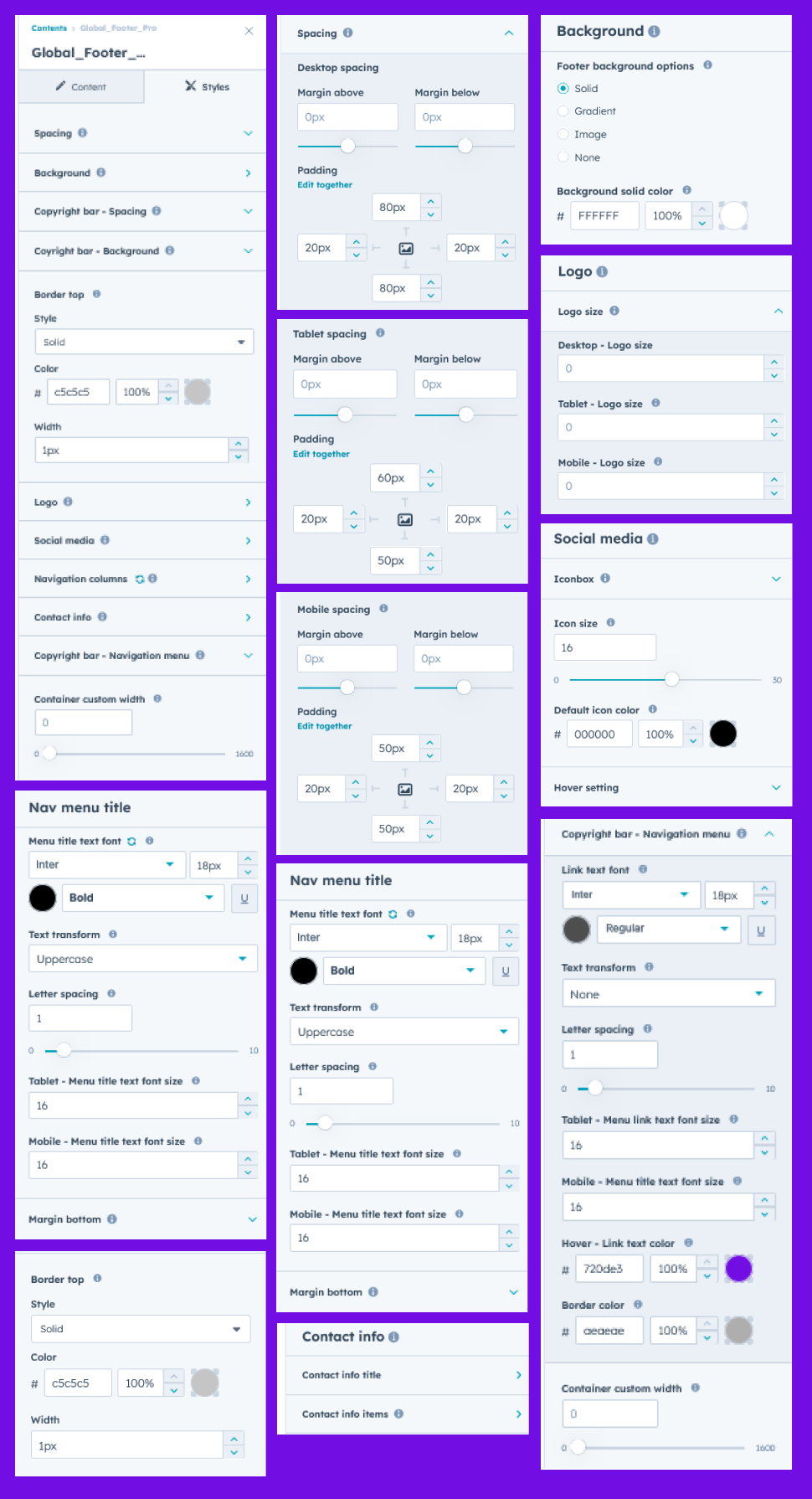
- Background Options: You can set "Solid Color", "Gradient Color" and "Background Image" for the footer background. And also Background image overlay "Solid Color" and "Gradient Color" Supported.
- Branding & Identity:
- Company logo
- Tagline or short company description
- Consistent color scheme & typography
- Enable Site Custom Link: You can also set a custom link for the site logo yourself. This is an optional Field.
- Core Navigation:
- Primary links (About Us, Contact, Careers, Blog)
- Secondary links (Help Center, Support, FAQs)
- Categorized link sections (e.g., Products, Services, Resources, Company)
- Sitemap link
- Social Media & Communication Information:
- Social media icons with external links. Such as "Facebook", "Twitter/X", "Instagram", "LinkedIn", and "YouTube" and so on...
- Telephone Number
- Email Address
- Address
- Date and Time Info
- Legal & Compliance:
- Terms of Service
- Privacy Policy
- Cookie Policy / Cookie Preferences
- Legal disclaimers
- Copyright © [Current Year]
- Copyright Row: This is an optional field. You can use it according to your design.
- Interactive Demos: Allow users to interact with the Global Footer Pro through interactive demos. Click here view demo
- Newsletter & Contact: Features a signup form or CTA for email marketing and links for direct communication.
- Limitless Customization Style: Highly flexible, design-forward module that empowers brands to fully tailor the footer to match their identity, functionality, and user experience goals. It adapts to various layouts, use cases, and content types, offering maximum creative control.
- Responsiveness and Adaptability: Automatically adjusts for mobile, tablet, and desktop views.
With a modular and customizable structure, it allows for easy configuration of content such as navigation menus, social media icons, newsletter sign-ups, language selectors, and more. The Global Footer plays a key role in improving user experience, supporting compliance, and reinforcing brand presence across all digital touchpoints.
Module Setup
Setting up the "Global Footer Pro" Module is easy and straightforward. All you have to do is perform a simple drag and drop.
Now let’s go through the setup steps:
- Login to your HubSpot account and left side navigate to the “Content” tab.
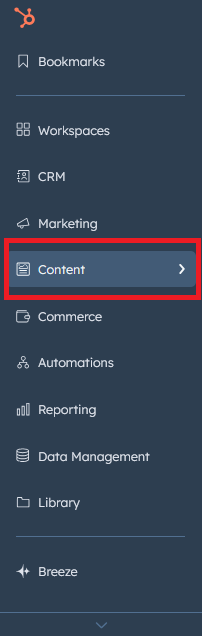
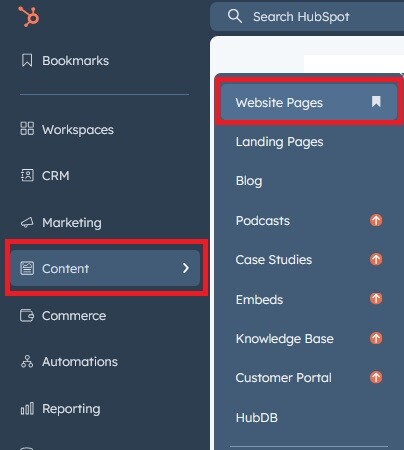
- Click on “Content” in the dropdown menu and select “Website Pages” from the extended menu.
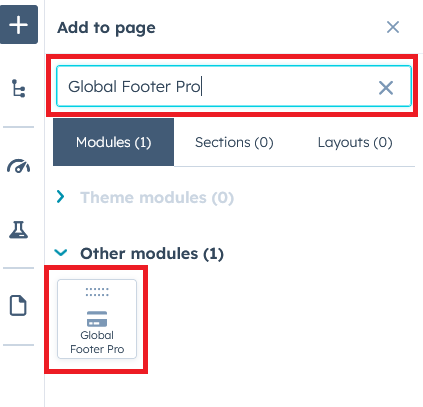
- Under the module selection menu, search for “Global Footer Pro” and select the module
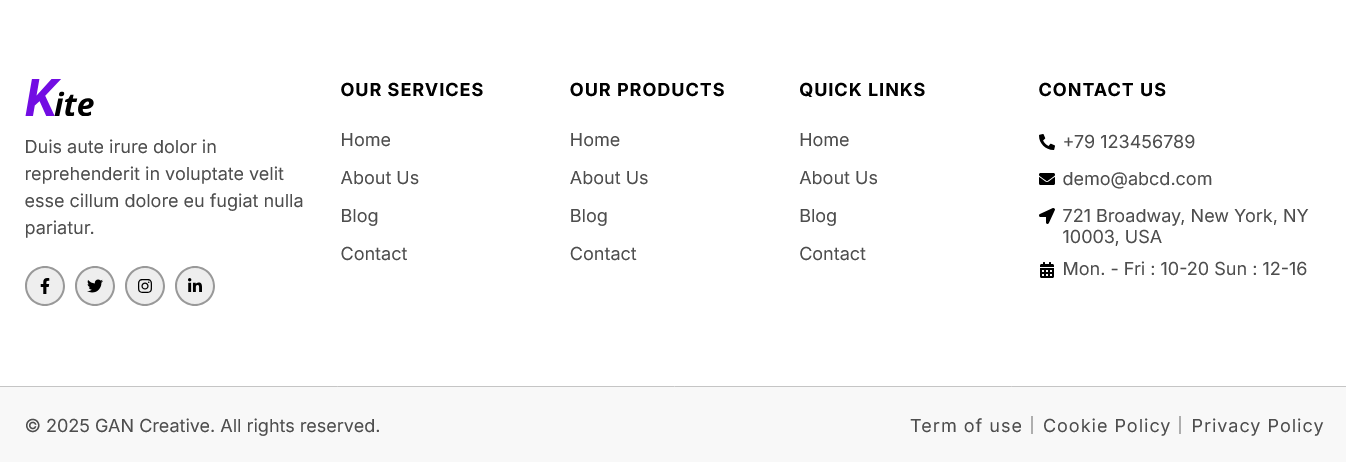
- Now simply pick the "Global Footer Pro" module, drag, and drop it wherever you want on your page. You’ll see a new module appear on the page.
Figure: Drag and Drop View
Support
If you have further questions, please reach out to our team at hawksky3012@gmail.com.